Registration and Login
Registration
To register, please visit https://refcloud.ga4gh.org and click the Sign up link.
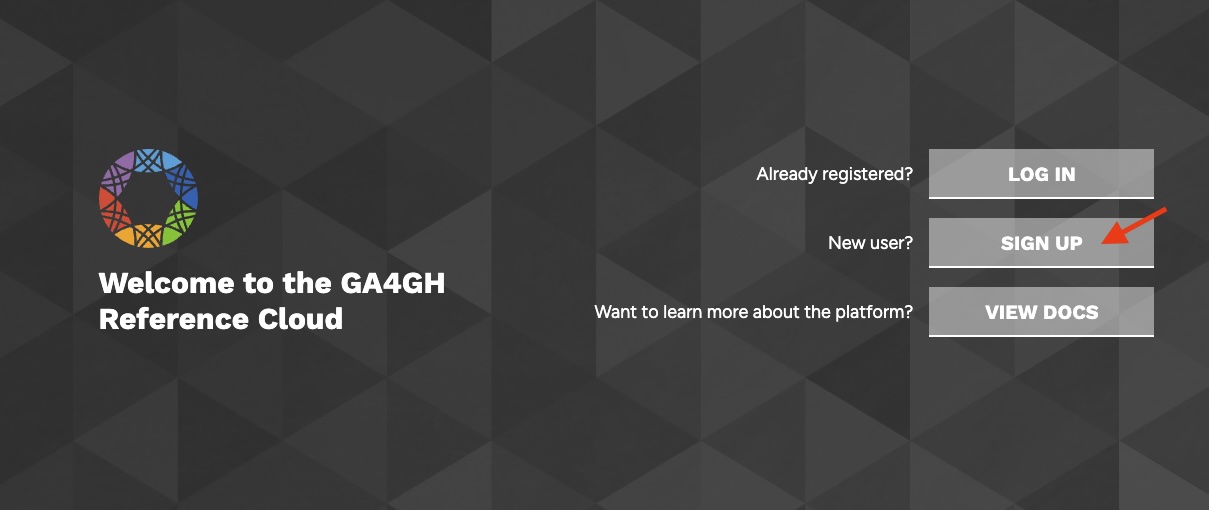
You will be prompted to provide the following information:
- Your email address (may be institutional or personal)
- A secure password (do not reuse any of your existing passwords)
- Your first name
- Your last name
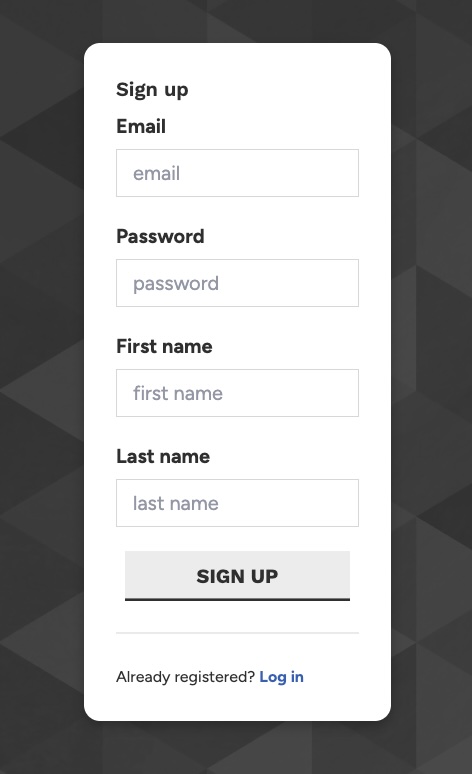
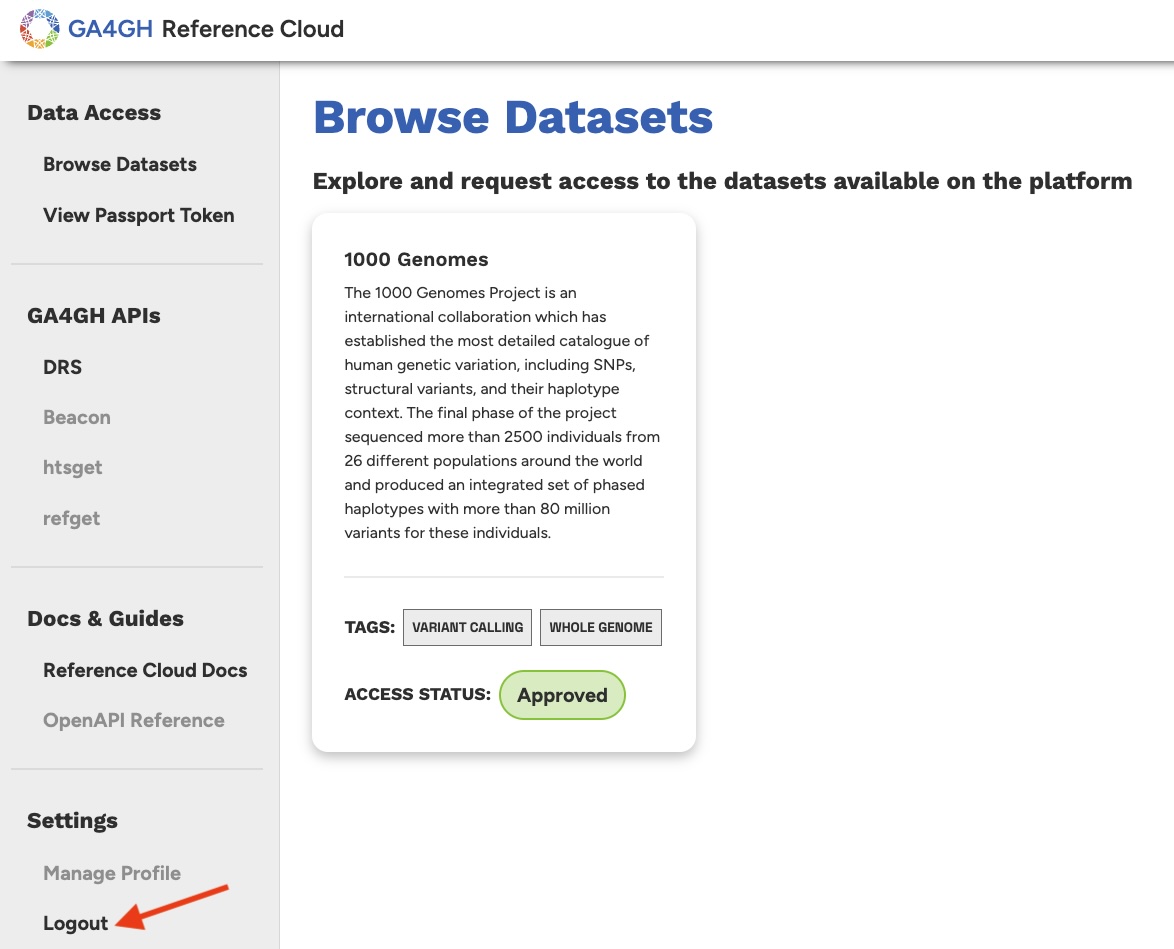
Once you fill out this information and click the Sign up button, your user account will be registered. You will automatically be redirected to the data portal section for authenticated users. In particular, you will be on the Browse Datasets page, where you can browse and request access to existing datasets on the platform (more information on this in the next article).
Logging Out
If you would like to end your session, logging out is as simple as clicking the Logout button on the left sidebar. You will be redirected to the landing page.
Logging Back In
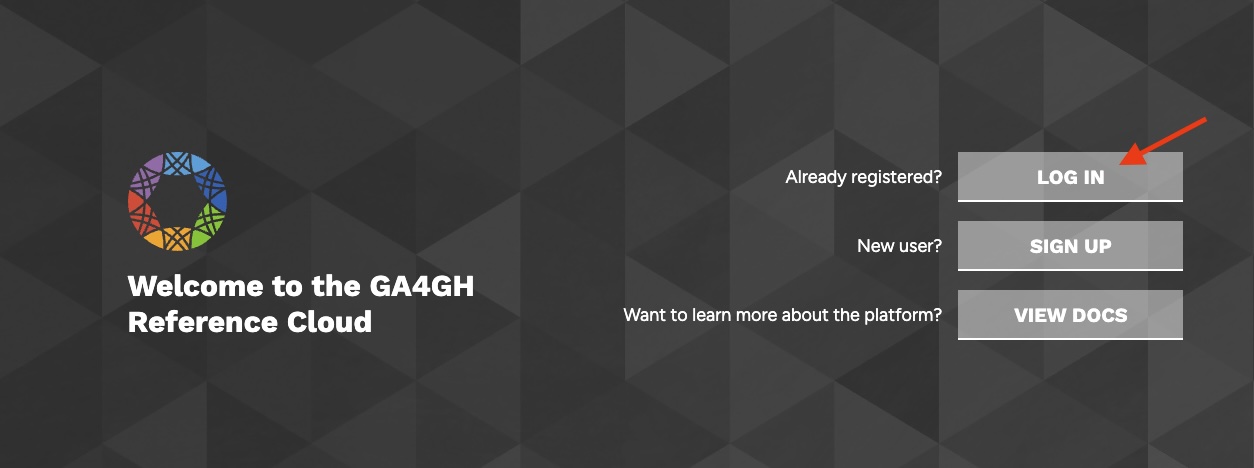
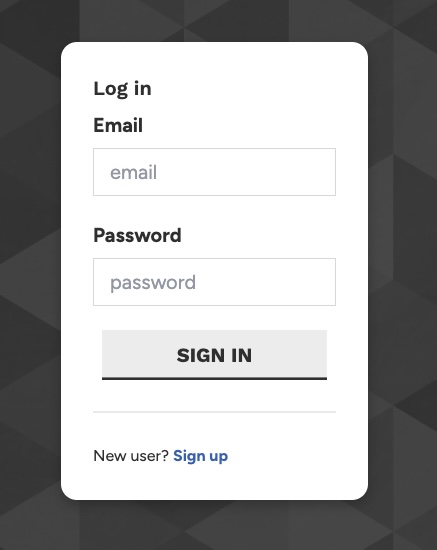
Now that you have registered your account, you can click on the Log In link to log back in to the platform. Enter your email address and password and click the sign in button to log in. You will again be redirected to the Browse Datasets page.
Next Steps
Great! You have now registered a user account on the reference cloud and can freely log in to the platform. Next, we'll discuss the concept of Datasets and how we can request access to them.